
Get a Stable BPM, Not Just a Number
Tempo readings can jump around if your first few taps are uneven. This BPM tapper watches your tap pattern and shows a stability state, so you know whether to keep tapping or use the current BPM.
Tool preview
Use spacebar, mouse, or touch to get live BPM, average BPM, tap count, and stability.
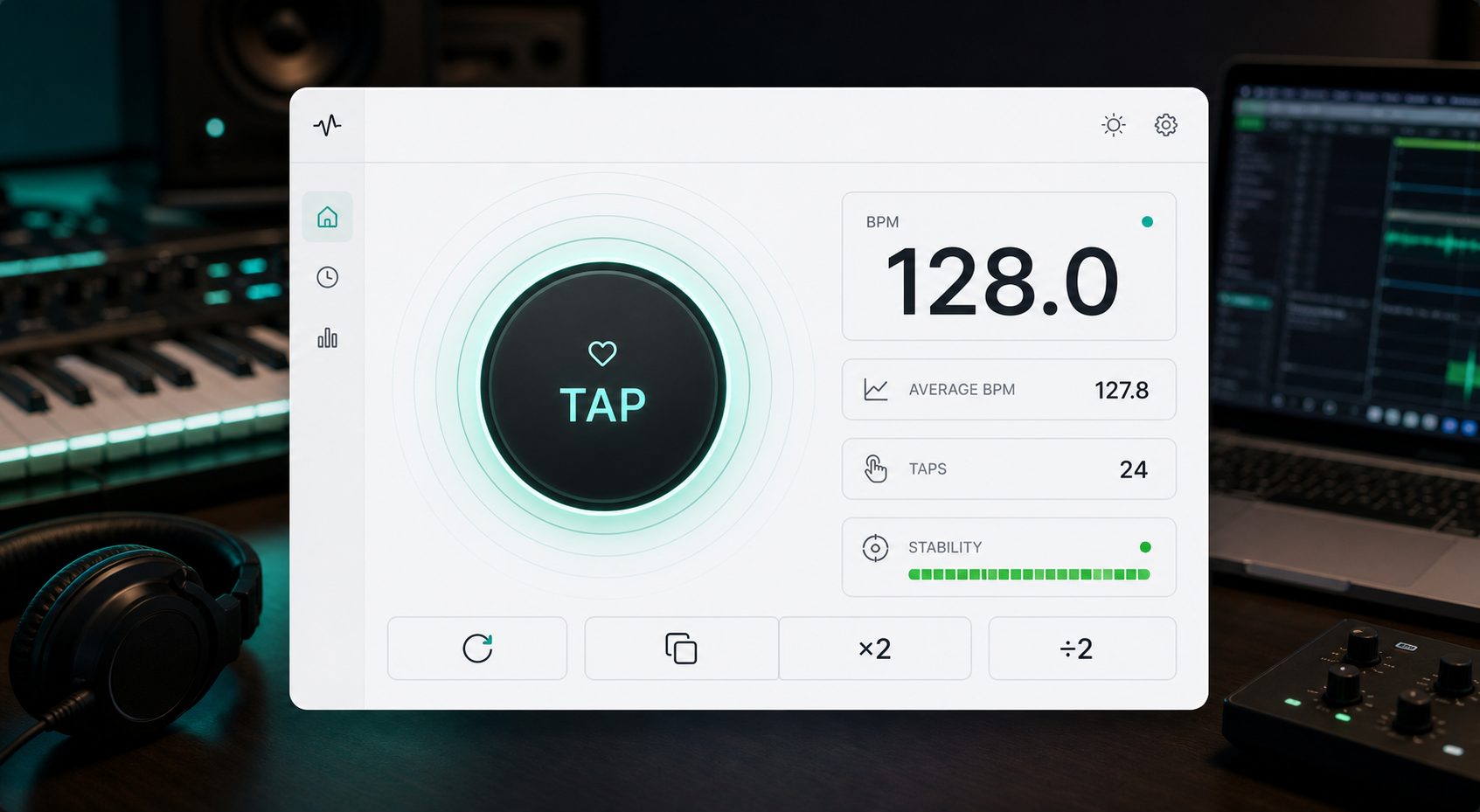
Stable readings
Use this BPM tapper to quickly find the tempo of a song, beat, loop, sample, or rhythm idea. Tap in time with the music using your keyboard, mouse, or phone screen, and the tool will calculate both your live BPM and an average BPM.
Unlike a basic tap counter that only shows a changing number, this tool also tells you when the reading is stable enough to use. That makes it easier to set a DAW project tempo, match a metronome, label a sample, or check the speed of a beat without uploading any audio.
Tempo readings can jump around if your first few taps are uneven. This BPM tapper watches your tap pattern and shows a stability state, so you know whether to keep tapping or use the current BPM.
Use the spacebar on desktop, click with your mouse, or tap the screen on mobile. The tool is designed for the quick moment when a song is playing and you need the BPM now.
Live BPM is useful, but average BPM is often what you want for production. Keep tapping through a few bars to smooth out small timing mistakes and get a more usable tempo.
Use x2 or divide by 2 when a beat feels double-time or half-time. Copy the final BPM when you are ready to move it into your DAW, metronome, sample notes, or project file.
How to use
Start the audio you want to measure and listen for the main beat.
Press spacebar, click the tap area, or tap your phone screen in time with the music.
Keep tapping until the tool says the tempo is stable.
Average BPM is usually the best value to copy into a DAW, metronome, or project notes.
Use divide by 2 or x2 when the beat feels half-time or double-time.
Producer workflows
A BPM tapper is a tool that calculates beats per minute from your taps. You tap in time with a song or beat, and the tool estimates the tempo.
Four taps are enough to start reading BPM, but eight or more steady taps usually give a more reliable result.
Use live BPM to see the current estimate while tapping. Use average BPM when you want a practical tempo to copy into a DAW, metronome, or project notes.
Small timing differences between taps can move the BPM number. Keep tapping evenly until the stability indicator shows that the reading is stable.
Yes. You can use the spacebar, mouse click, or touch input on mobile.
No. This BPM tapper works from your manual taps, so you do not need to upload audio or share any files.
No. A BPM tapper uses your taps to estimate tempo. An automatic BPM finder analyzes an audio file. Manual tapping is faster when you already hear the beat and just need a quick tempo.